HIPAA for patient documents: from the front desk to the chart
Follow one new-patient intake packet through a clinic and see what HIPAA asks at each step: who may open it, what gets logged, how fast a patient can get a copy, and what to do when a page goes astray.
Ademero Team7 min read

Most HIPAA trouble in a practice does not come from hackers. It comes from paper and PDFs: an intake form left on a shared drive, a whole chart emailed when one lab result was asked for, a billing clerk who can open psychotherapy notes, a records request that sat for six weeks. This guide is for practice managers, privacy officers and the people who run the front desk and medical records. It follows one document from arrival to disposal and says what the rules expect at each step.
The three rules, in terms of a single page
| Rule | What it covers | What it means for one scanned intake form |
|---|---|---|
| Privacy Rule | Who may use or disclose protected health information (PHI), and patients’ rights over it | Only people whose job needs the form may open it, and the patient can ask for a copy |
| Security Rule | Administrative, physical and technical safeguards for electronic PHI | Once scanned, the file needs sign-in, access control, audit logging and a backup |
| Breach Notification Rule | Who must be told when unsecured PHI is exposed, and by when | If the form is emailed to the wrong person, you may have a notification clock running |
Two ideas run through all three. Minimum necessary: people see only the PHI their job requires. Business associates: any vendor that creates, receives, keeps or sends PHI for you signs a business associate agreement (BAA) first. That includes your document software vendor and anyone who scans records for you.
Follow one intake packet
A new patient arrives at a family practice. The front desk collects a registration form, a copy of the insurance card and photo ID, a signed acknowledgment of the Notice of Privacy Practices, and five pages of records faxed over from the previous doctor. Here is that stack, step by step.
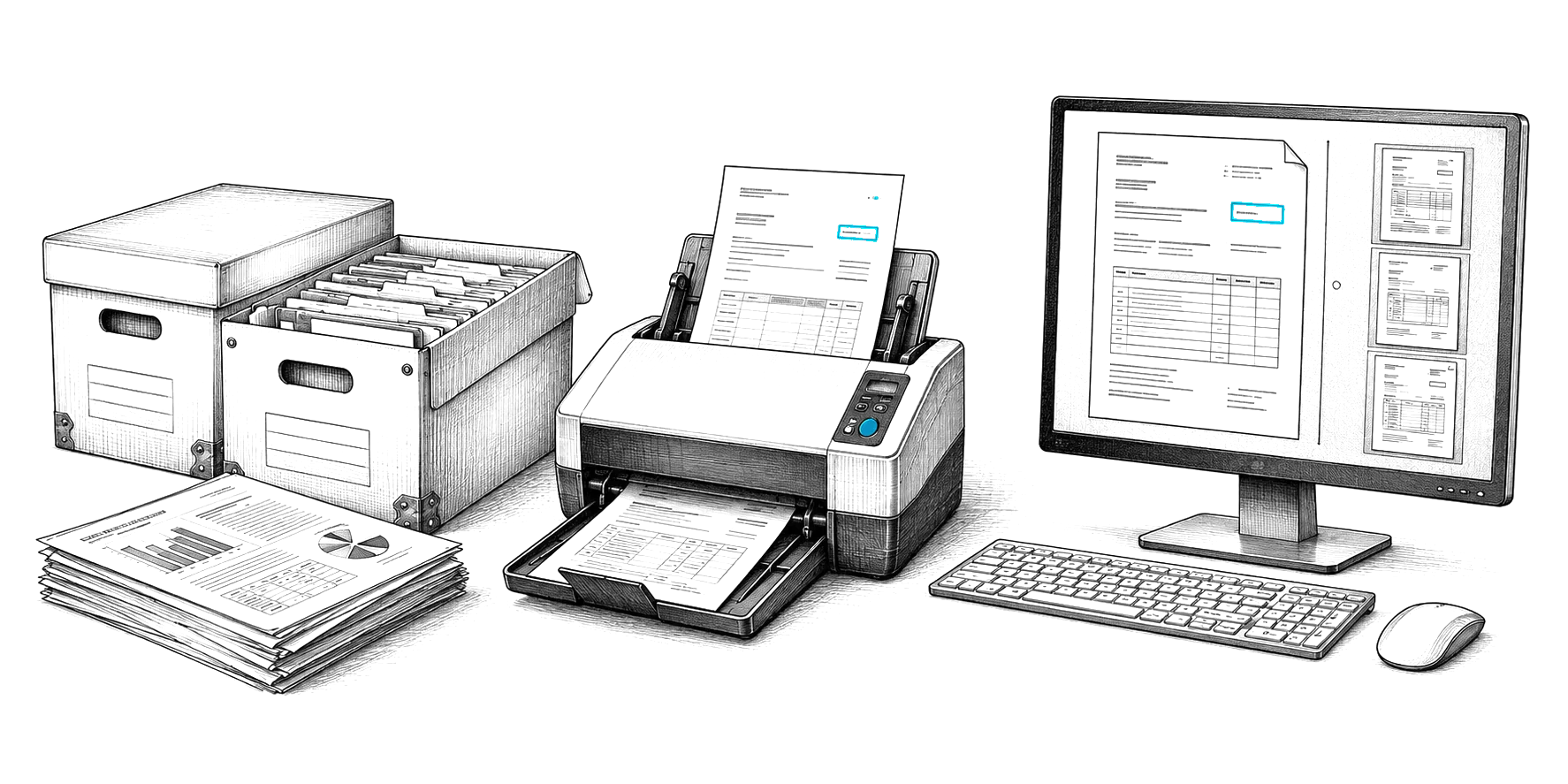
- Scan it the same day, at the desk. Paper waiting in a tray is PHI nobody is tracking. Scan the whole stack at once. Capture software such as CapturePoint 6 splits it into separate documents, recognizes each type and reads the patient name, date of birth and medical record number. It does this on the Windows PC next to the scanner, so the pages are not sent to an outside service to be read.
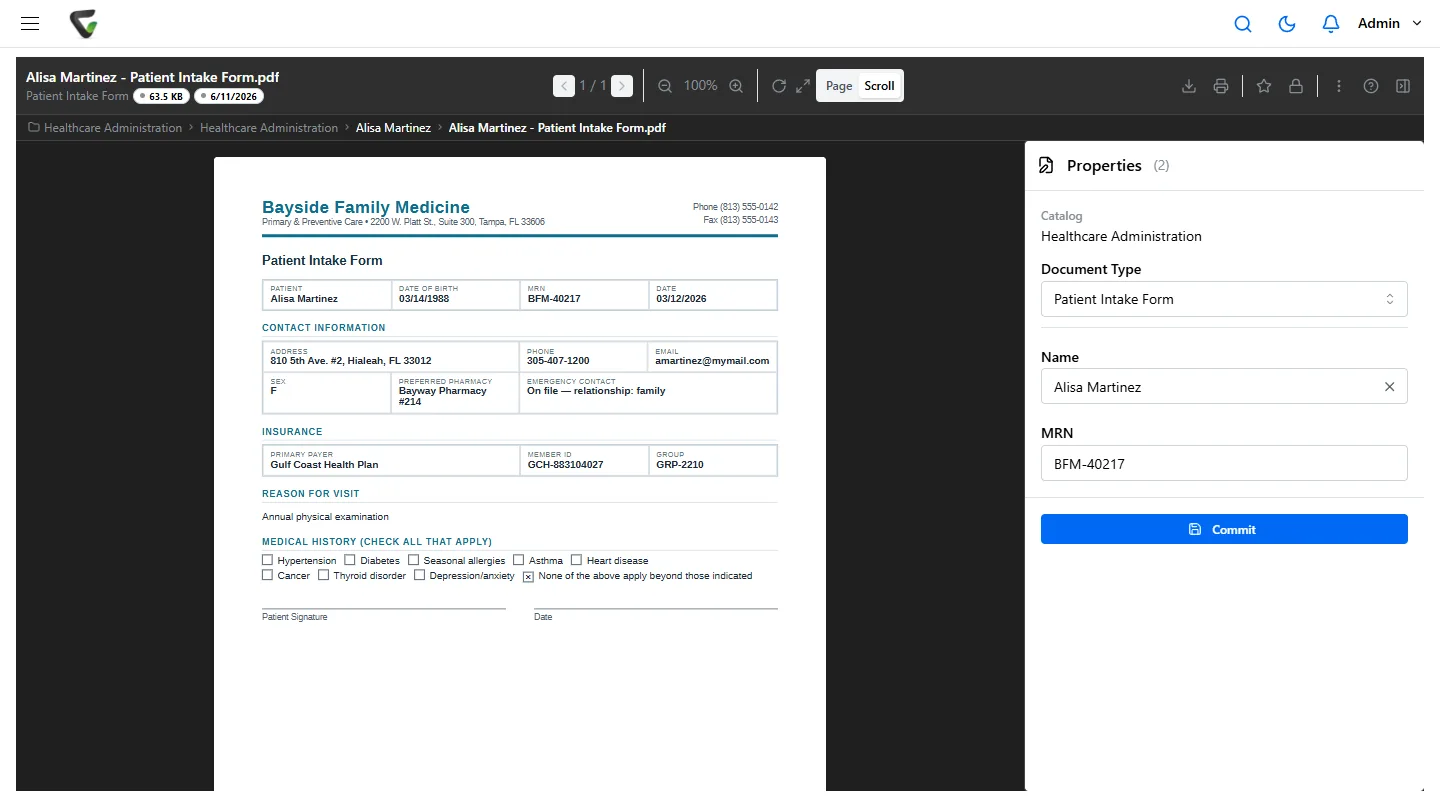
- File every document to the patient, by type. Name and index each one the same way, for example MRN, document type, date of service. A consistent index is what lets you answer a records request later without opening every folder.
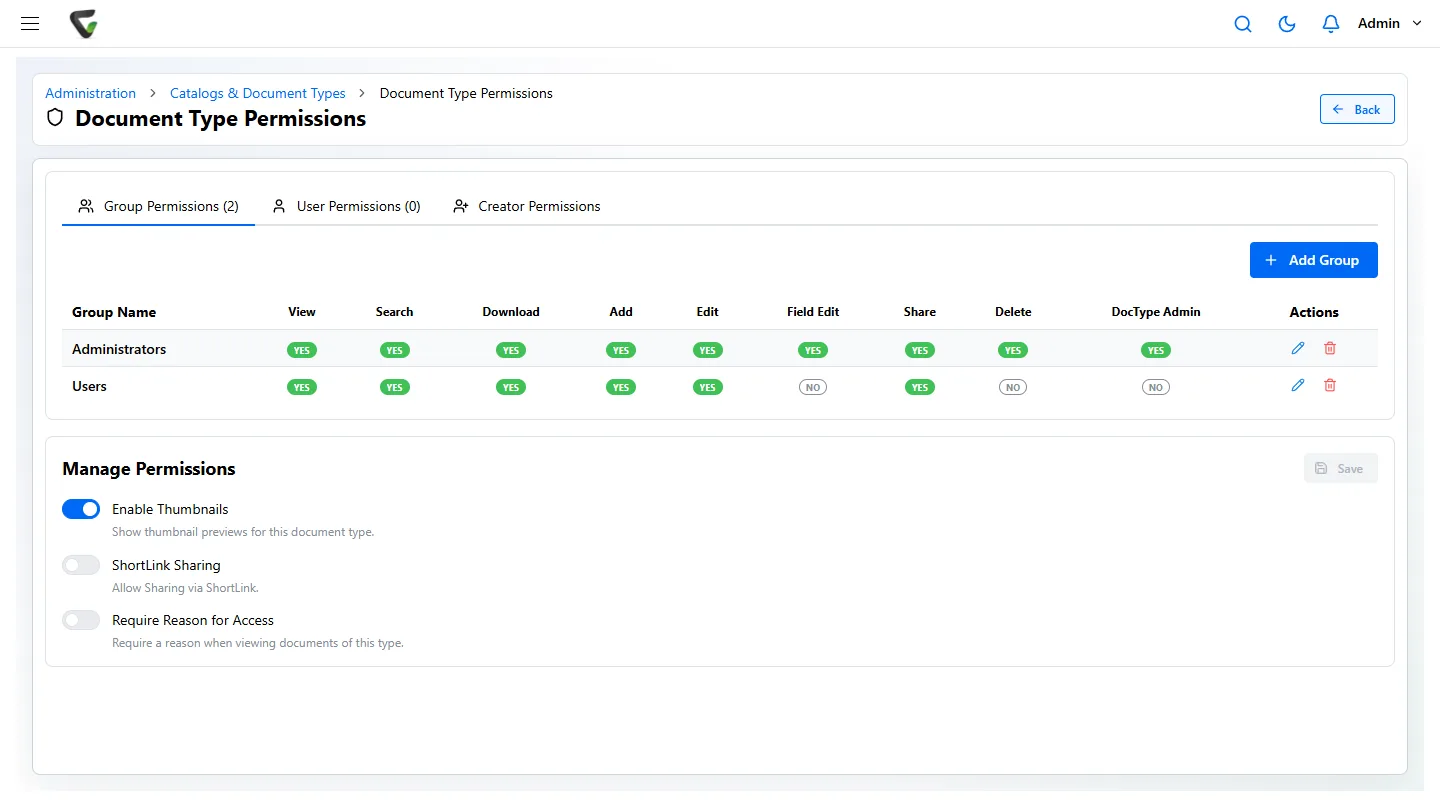
- Let the document type decide who can open it. The insurance card is a billing document; the prior records are clinical. Set permissions on each document type, not on each file, so the rule applies to every future page automatically. See the role table below.
- Log every view. The Security Rule asks for audit controls that record activity in systems holding electronic PHI. A useful log shows who opened which document, when, and from where, plus searches, downloads and emails.
- Shred the paper on a schedule, and record it. Once the batch has been checked against the originals, destroy the paper the way your policy says, and keep a note of when and by whom.
Minimum necessary, set up by role
Decide access once per role and document type, then let the system enforce it.
| Role | Needs to open | Should not open |
|---|---|---|
| Front desk | Registration forms, insurance cards, ID, consent and privacy acknowledgments | Clinical notes, lab results, outside records |
| Billing | Insurance cards, claims, explanations of benefits, payment records | Clinical notes beyond what a claim requires |
| Clinicians | The full clinical record for their patients | Payroll, HR and other staff files |
| Medical records / release of information | Whatever a valid request or authorization covers | Anything outside that request |
For the most sensitive types, such as behavioral health notes or records of a staff member who is also a patient, go one step further: ask people to give a reason before the document opens, and keep that reason in the history.
Patient requests and their deadlines
Most patient rights come with a clock. Know the deadlines and make the documents easy to pull.
| Request | Deadline under HIPAA | What makes it easy |
|---|---|---|
| Access to or a copy of their records | Within 30 days, with one 30-day extension if you tell the patient why in writing | Every document indexed to the patient, so one search finds the whole record |
| Copy in electronic form | In the form and format requested if readily producible; the 21st Century Cures Act also bars unnecessary delay in electronic access | Searchable PDFs that can be shared or downloaded without reprinting |
| Amendment of a record | Within 60 days, with one 30-day extension | Version history, so the original and the correction are both kept |
| Accounting of disclosures | Within 60 days, covering up to six years | A log of what was sent to whom, and when |
A common mistake: sending the whole chart when a request covers one visit. Release exactly what was asked for or authorized. The audit log will show what went out.
When a page goes astray
Contain it, use the log to see exactly what was exposed, then decide whether notification is required.
- Contain: recall the email if you can, remove the shared link, disable the account involved.
- Scope it with the audit trail: which documents, which patients, who opened them and when.
- Assess the risk: HIPAA presumes a breach unless a documented risk assessment shows a low probability the PHI was compromised.
- Notify if required: affected individuals without unreasonable delay and no later than 60 days after discovery. Breaches affecting 500 or more people also go to HHS within 60 days and, in most cases, to local media; smaller breaches are reported to HHS within 60 days after the end of the calendar year.
- Fix the cause: a permission that was too broad, a workflow that relied on email attachments, a missing BAA.
How long to keep what
HIPAA itself sets one retention period: your HIPAA documentation, such as policies, risk assessments and signed acknowledgments, is kept for six years from when it was created or last in effect. How long you keep the medical record itself is set by state law and by payers, and differs for adults and minors. Set a retention period per document type, and make sure you can stop disposal of any record that is under a legal hold.
Readiness checklist before you scan PHI
- A HIPAA security risk assessment covers the scanner PC, the document system and backups.
- A BAA is signed with every vendor that touches PHI, including any cloud service you store documents in.
- Document types and the role table above are set up before the first batch.
- Sign-in uses individual accounts, never a shared front-desk login, with multi-factor authentication.
- Audit logging is on and someone reviews it on a schedule.
- Retention periods are set per document type, and legal holds are possible.
- Backup and recovery have been tested by restoring a real document.
- Staff know what to do when a document goes to the wrong person.
Where Ademero fits
Content Central keeps patient documents in the cloud or on your own servers, your choice, with permissions per document type and group, Require Reason for Access, Active Directory and SAML single sign-on, authenticator-app MFA that admins can require for everyone, version history, retention schedules, legal holds and an event log of sign-ins, searches, views, downloads and emails. CapturePoint 6 reads scanned pages on your own PCs and comes with a 2-minute tour on sample documents to try first. We sign business associate agreements. Software cannot make a practice compliant by itself, but it can make the safeguards above the default rather than a habit people must remember.