CapturePoint 6
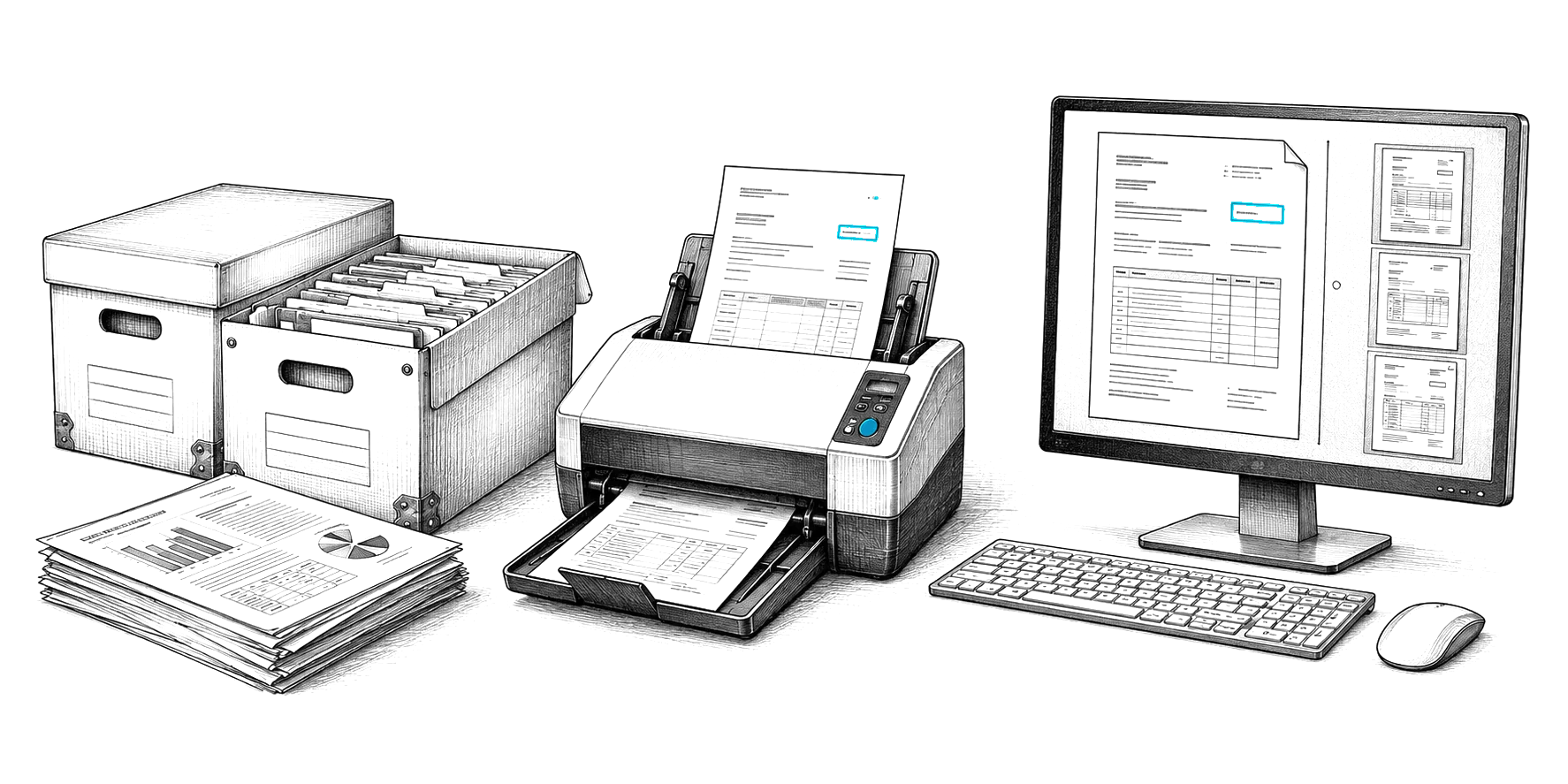
Cutting-edge local AI on your own Windows PC. Scan a stack and it splits, sorts, reads and names every document, then files it to SharePoint, OneDrive, Google Drive, Dropbox, folders, Content Central or Nucleus One.
Document playground
General AI preview. This demo sends your file to a general-purpose cloud AI model (Google Gemini) and shows what it returns. It is not CapturePoint 6, Paige or Cortexa, and it does not learn from your corrections the way they do. Use sample or public documents.
Live demo
PDF, Word, Excel, text or an image.
Drag and drop a document here
or
PDF, DOC, DOCX, XLS, XLSX, TXT, PNG, JPG
The playground reads your file to show the results and does not keep it.
Add a document. The fields, summary and category show up here.
Nothing yet
How it works
The AI reads every page, typed or scanned, and finds the fields that matter: names, dates, amounts, numbers.
It writes a short summary, lists the key points and picks out the people, companies and dates mentioned.
It decides what kind of document it is and tags it, so it lands in the right place without anyone filing it.
Next step
Keep exploring
From demo to daily work
Cutting-edge local AI on your own Windows PC. Scan a stack and it splits, sorts, reads and names every document, then files it to SharePoint, OneDrive, Google Drive, Dropbox, folders, Content Central or Nucleus One.
Send in documents and get clean data back. Paige learns your documents from a few samples and pulls out fields and line items, ready for the system that needs them.
Private AI on servers you own, behind an OpenAI-compatible API, for documents that must never leave your walls.
Free live demo
Book a free demo and we will show you around, answer your questions and run your real paperwork through it. No cost, no pressure.