Content Central · document management
Stop hunting for documents.
Content Central brings paper, email and files into one place, files each one by its data and runs your approvals for you. Hosted in our cloud or on your own servers, your choice.
- Live in 30 days
- Our cloud or your servers
- Full-text search, scans included
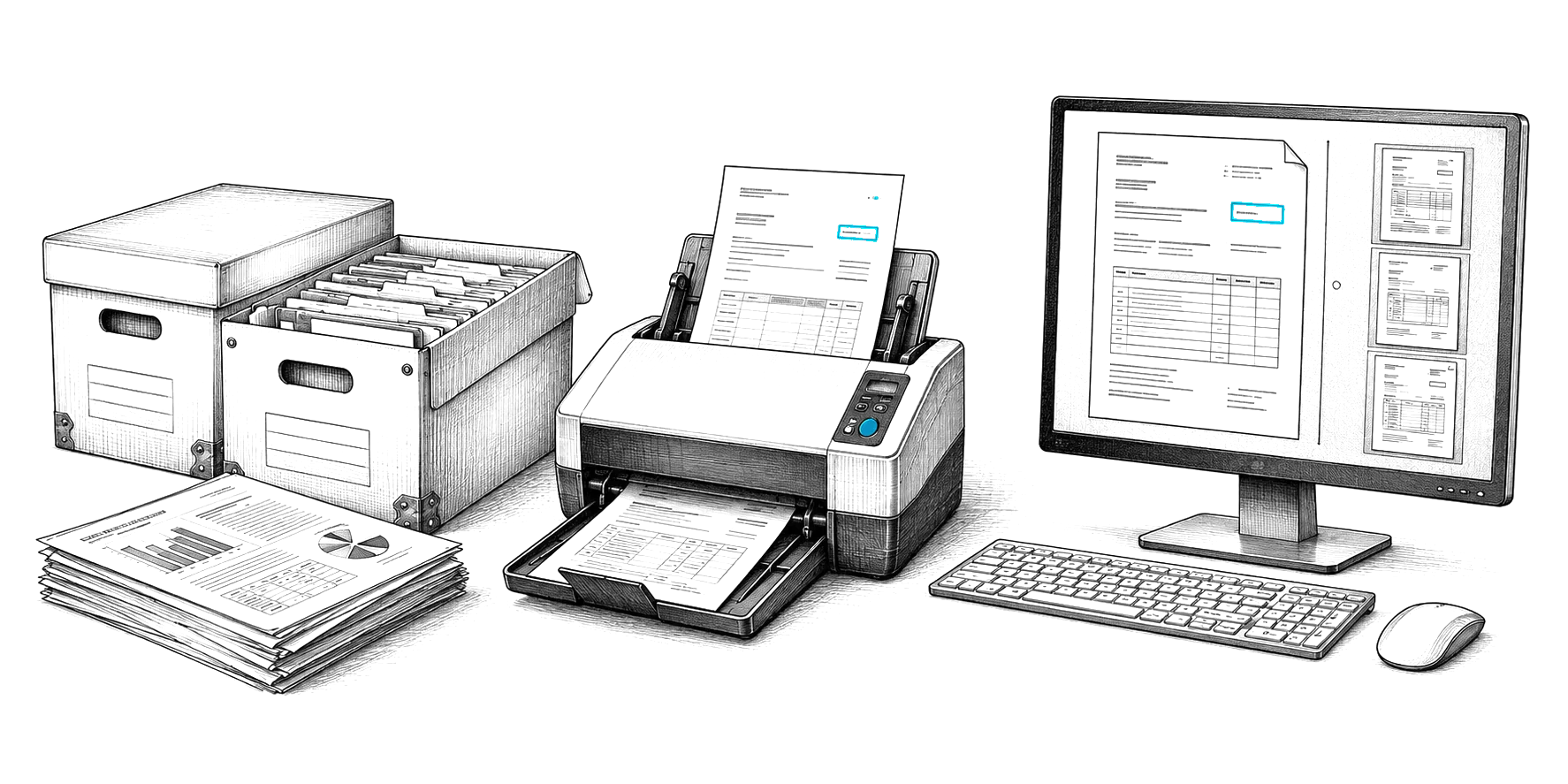
Paper, inboxes and shared drives slow everyone down.
Files are scattered across drives, inboxes and cabinets.
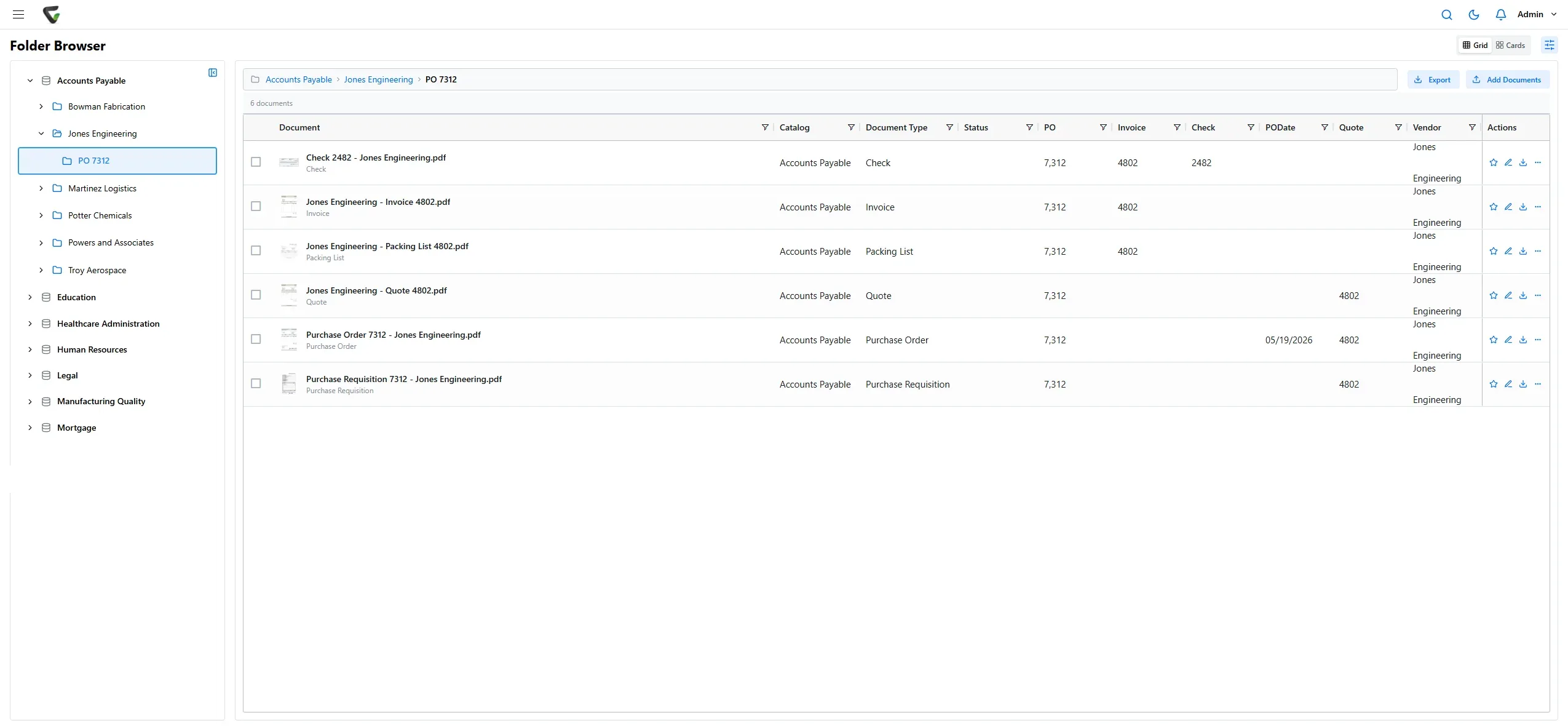
Everything lands in one place, filed in the right catalog by its own data.
Approvals stall in somebody’s inbox.
Workflows route each document, remind people and file it when it is done.
An audit means days of digging.
Every action is recorded, and retention runs on schedule by itself.
Capture
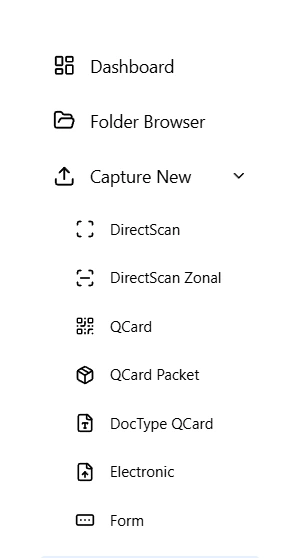
However documents arrive, they land in one place.
Paper, email, scans and digital files all come into Content Central and are filed in the right catalog, with their index values read for you.
- Scan from any desktop scanner, with zonal reading of index values
- Barcode cover sheets that split and file whole batches
- Email capture from Microsoft 365, Gmail or any IMAP mailbox
- Watched folders, drag and drop, and fillable capture forms
Search
Find anything in seconds.
Search the words inside every document, scans included, or by any field you index. Save the searches your team runs every day.
- Full-text and field search together
- Filter by catalog, document type or any field
Indexing
Index once. File automatically.
See each document beside its fields. Values are read by zonal OCR and barcodes or looked up in your database, and Content Central builds the folder and file name for you.
- Zonal OCR and barcode zones
- Lookups against your own databases
- Line items, choice lists and required fields
Workflow
Approvals that run themselves.
Pair a trigger with the actions you want: route for approval, move, update fields, notify people, export or run a report. Point and click, no code.
- Dozens of triggers and actions, including schedules
- Email notifications from your own templates
- Exports to your accounting and HR systems
Go deeper into how Content Central moves work:
AI
AI that works inside your document processes.
Content Central connects to the Cortexa AI suite, our private AI platform, so AI does real work on your documents, not just answers questions about them.
Reads and decides
AI reads each document and decides what happens next: what it is, what it says and where it goes.
Looks up and fills in
AI looks up the data a document needs, fills in its fields and routes the work to the right people.
Moves information for you
AI pushes and pulls information between Content Central and your other systems, so nobody retypes it.
Private AI chat for your team
Your team gets a private AI chat with single sign-on, on servers you own.
Custom AI tools, built with you
Our team builds custom AI tools around how you work and wires them right into Content Central.
Reading at the scanner
CapturePoint 6 reads documents with AI on your own PC, so they arrive in Content Central already sorted and indexed.
Control
Every document under your rules.
From the first scan to the day it is removed, Content Central keeps records audit-ready without extra work from your team.
Permissions down to the field
Decide who can view, edit, print, annotate or delete, by catalog, document type and even single fields.
A complete audit trail
Every action on every document is recorded, with a full history on each one and an event viewer for admins.
Versions and check-out
Major and minor versions, check-in and check-out, and editing from the desktop.
Retention by policy
Set how long each document type is kept, and Content Central removes it on schedule.
Approvals and queues
Multi-step approvals with group voting, work queues and substitutes when someone is out.
Signatures built in
Send documents for electronic signature without a separate e-signature service.
Packets
Keep every document for one employee, loan or vendor together, and see what is still missing.
Secure sharing
Share a document outside the company with a short link you control.
Sign in with your directory
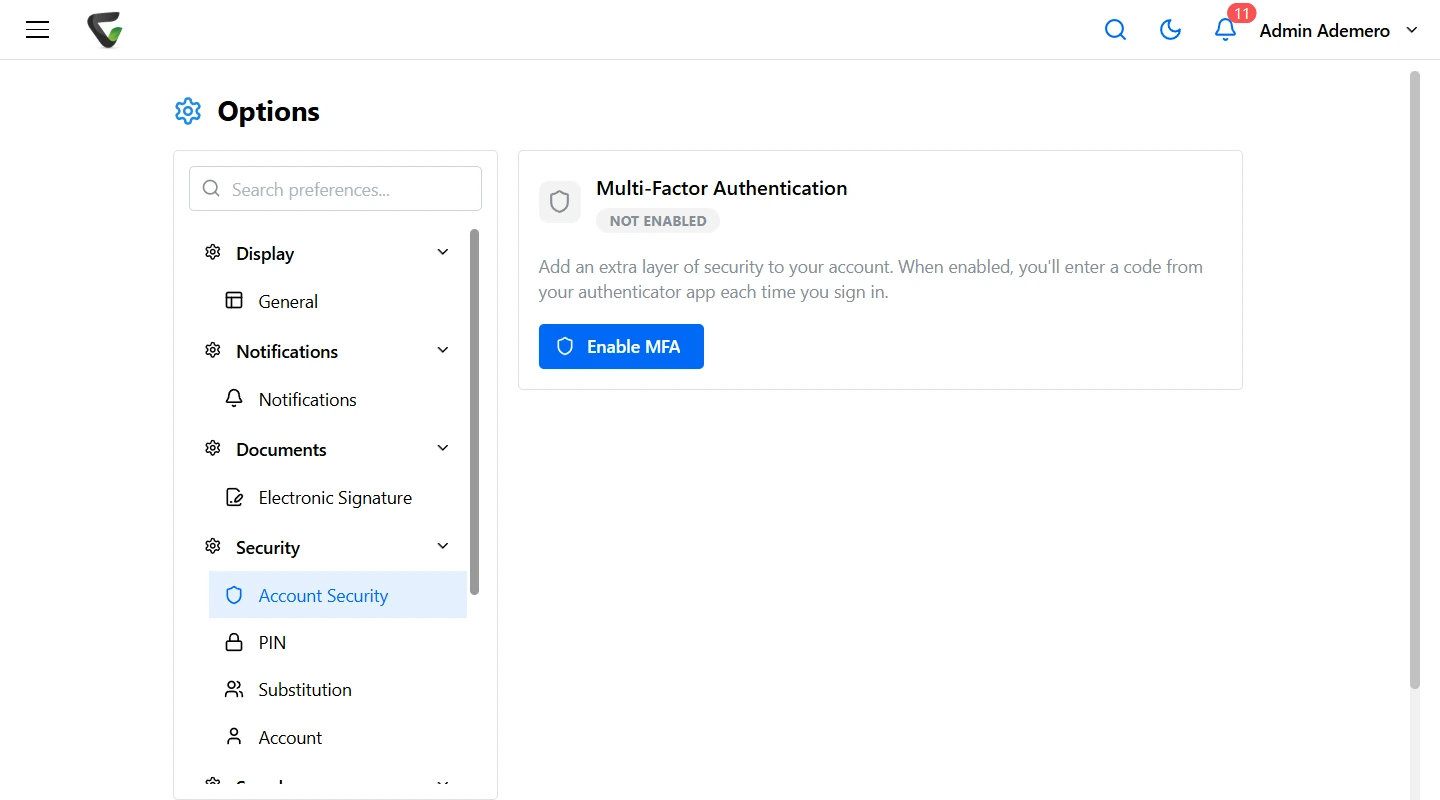
Active Directory across multiple domains, SAML single sign-on, and authenticator-app MFA.
CapturePoint 6 · local AI on your PC
Scanning a lot of paper? Let CapturePoint 6 read it first.
CapturePoint 6 runs cutting-edge document AI on your own Windows PC. It splits the stack, reads every field and line item, and files each document straight into Content Central, already indexed.
Integrations
Works with the systems you already run.
Send bills and checks to accounting, documents to HR, and data to your own apps.
- QuickBooks Online
- QuickBooks Desktop
- Sage 50
- Sage X3
- Workday
- Epicor
- Microsoft Dynamics CRM
- Microsoft 365 and Gmail
- CapturePoint 6
- Nucleus One
- REST API
- ODBC database lookups
Set up for your industry's documents.
The same system, set up for the documents, fields and rules your team works with.
Security
Our cloud or your servers. Your rules either way.
Run Content Central in the cloud, or on your own Windows servers and SQL Server under your own security and backup policies. Fortune 500 companies and government agencies run on Ademero; their security, IT and legal teams review us every year and keep renewing.
- Active Directory and SAML single sign-on
- Authenticator-app MFA
- Audit-ready document history and event log
- Helps you meet HIPAA, SOX and records retention rules
Go-live
Live in 30 days. That's a commitment.
Tell us about your team, your documents and where you want it to run. We'll quote your setup and plan the rollout with you.
Content Central questions
What is Content Central?
Content Central is Ademero’s document management software. It captures paper, email and electronic files, reads and indexes them, stores them securely in our cloud or on your own servers, and automates the approvals and workflows around them, with permissions, versions, retention and a full audit trail.
Does Content Central run in the cloud or on our own servers?
Either, your choice. Content Central runs in the cloud, or you can install it on your own Windows servers with Microsoft SQL Server, so your documents stay in your environment, behind your firewall, under your own backup and security policies. People work in a web browser either way.
How do people sign in?
Most organizations connect Content Central to Active Directory or to their identity provider with SAML single sign-on, so people use the account they already have. Authenticator-app MFA adds a second step.
How is Content Central different from a shared drive or SharePoint?
Content Central is built for business documents, not just files. Documents are filed by their data, found by full-text and field search, routed through approvals, kept or removed by retention policy, and every action is recorded in an audit trail.
Does Content Central use AI?
Yes. Content Central connects to the Cortexa AI suite, our private AI platform, so AI can work inside your document processes: reading and deciding on documents, looking up and filling in data, routing work to the right people, and moving information between your systems. Your team gets a private AI chat, and our team builds custom AI tools around how you work. CapturePoint 6 adds AI at the scanner, so documents arrive already sorted and indexed.
What does Content Central connect to?
Content Central exports to QuickBooks Online and Desktop, Sage 50, Sage X3, Workday, Epicor and Microsoft Dynamics CRM, captures from Microsoft 365, Gmail and IMAP mailboxes, works with CapturePoint 6, Nucleus One and the Cortexa AI suite, and offers a REST API and ODBC lookups for your own systems.
How much does Content Central cost?
Content Central is quoted for your users and setup. Tell us about your setup on the pricing page and we will send pricing that fits, or book a free live demo and we will walk you through it.
Already running Content Central? Step-by-step help for setup, administration and everyday work.
How-to guidesFree live demo
See Content Central with your own documents.
Book a free demo and we will show you around, answer your questions and run your real paperwork through it. No cost, no pressure.
- A live tour of the products that fit your work
- Your own documents, set up and shown working
- Your workflow and process, mapped with you
- Straight answers from people who build it