Skip to content

Downloads

The CapturePoint 6 installer, the mobile apps and the manuals.

Everything you can install or open from Ademero, in one place: the capture app for Windows, Nucleus One for iPhone and Android, the cloud apps that need no install, and the help library. Every link starts the real product, not a brochure.

01CapturePoint 6 for Windows

Stop typing what is already on the page.

Cutting-edge local AI on your own PC. Scan a stack or drop in files and CapturePoint 6 splits, sorts, reads and names every document, then files it where it belongs.

  • Free trial starts the first time you open it, no form to fill in
  • Priced per scanning station, with unlimited scanning
  • Included for CapturePoint customers with active maintenance and support

What you are downloading

Runs on
Windows 10 or 11, 64-bit. A graphics card is optional and only makes it faster.
Installer
About 367 MB.
First launch
Downloads its reading components once, about 6 GB, then works on the PC.
Scanners
Any TWAIN scanner, or import PDF, TIFF, JPEG, PNG, BMP and GIF files.
No scanner?
A built-in demo scanner lets you try a full scan without hardware, and a 2-minute tour shows it on sample documents.

After the install

Once it is installed, finished documents go where your team works.

Reading happens on the PC you install it on. Each document is then named and filed as a searchable PDF in your own folders or Content Central, and a job can also send it to SharePoint or OneDrive, Google Drive, Dropbox or Nucleus One.
  • Your own folders
  • Content Central
  • SharePoint and OneDrive
  • Google Drive
  • Dropbox
  • Nucleus One

SharePoint and OneDrive need a Microsoft 365 work or school account.

02More ways to start free

Cloud apps, ready in a minute.

Paige

Send in documents, get clean data back

Paige splits, sorts and reads your documents and pulls out the fields and line items. Show it a few samples and it learns your documents.

Nucleus One

Documents, approvals and signatures in the cloud

Store and find every file, route it for approval and collect e-signatures, all in one simple app.

Nucleus One mobile

Your documents on iPhone and Android

Find, open and approve documents from your phone, so approvals travel with you.

03Learn the product

Manuals, videos and API docs.

Product manuals

Step-by-step help for CapturePoint, Content Central, Paige and Nucleus One, in the help library at help.ademero.com.

Video tutorials

Short walkthroughs of everyday tasks and the admin setup, free to watch.

Developer docs

The Nucleus One API reference, a request builder and how to connect Content Central to your systems.

Free live demo

Running Content Central? We will set it up with you.

Book a free demo and we will show you around, answer your questions and run your real paperwork through it. No cost, no pressure.
  • A live tour of the products that fit your work
  • Your own documents, set up and shown working
  • Your workflow and process, mapped with you
  • Straight answers from people who build it
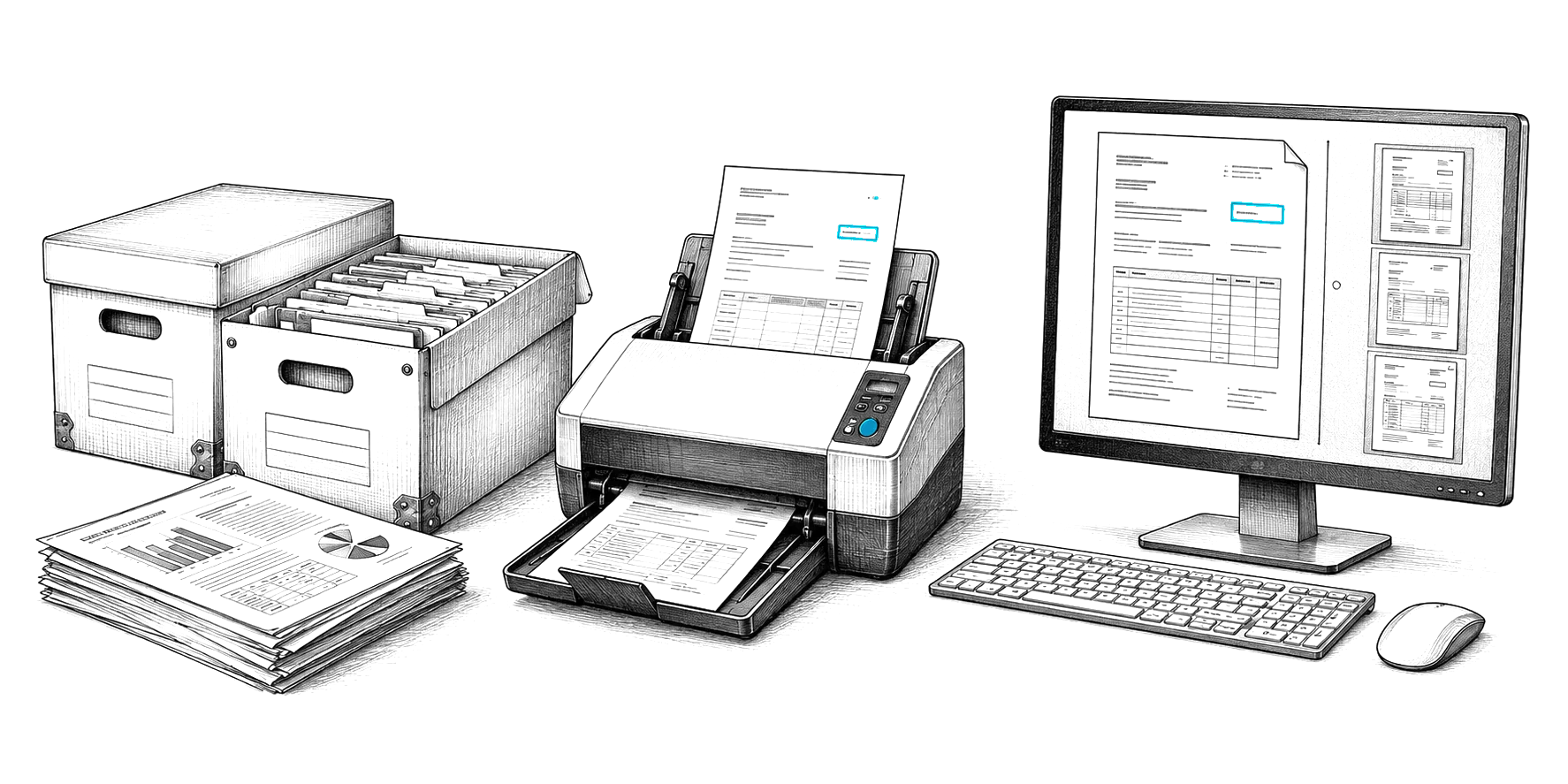
Engraved illustration: file boxes, a document scanner and a PC at a desk