Skip to content

Cities, counties, clerks and courts

Answer the request. Keep the schedule. Prove both.

For clerks, records managers and the people who answer public records requests. Minutes, permits, plats and contracts in one library, in the cloud or on servers you control, kept exactly as long as your retention schedule says, with a record of who touched what.

A public records request on the clockFive stages of a public records request: arrives by email, due date set, every office searched, attorney review, released and logged before the state deadline.DAY 1Request arrivesEmail to records@ is filedDAY 1Due date setReminder before it is dueDAY 2Every office searchedClerk, planning, building, financeDAY 4Attorney reviewRouted for approvalDAY 5Released and loggedWho saw what, on recordDue: the deadline your state law sets
One public records request handled in Content Central. The days are an example; your state law sets the real deadline.

Who this page is for

Written for the people who keep the public record.

City or county clerk
Agenda packets every meeting cycle, minutes to approve and sign, ordinances and resolutions to number and index. And the records requests that land on your desk because everyone assumes the clerk has it.
Records manager
You own the retention schedule your state archives approved, the boxes in offsite storage and the destruction log. You need to know what is due to be destroyed this month and what is on hold.
Records request coordinator
Requests come in by email, web form and at the counter. Each one has a clock. You chase five departments for responsive records, then keep the file of what was released and when.
Permit technician
Applications, plan sets, inspection reports and certificates of occupancy. And a contractor at the counter asking for a permit pulled in 1987.
Court clerk
Case files, filings and orders, some of them sealed or confidential, with who may see them set by court rule and your state schedule.
IT director
You choose where public records live: in the cloud or on servers you control. Staff sign in with the accounts they already have, and you can show who opened what.

The paperwork

What you keep, and who decides how long.

Federal agencies answer FOIA. Cities and counties answer their state's public records law, and keep records on the retention schedule their state archives or records commission approves. Here is how the usual records map.

  • Agendas, agenda packets and minutesKept by: ClerkYour state schedule, and your open meetings law for posting. Minutes are kept permanently on most schedules.Minutes signed on approval, retention set to permanent.
  • Ordinances and resolutionsKept by: ClerkYour state schedule.Indexed by number, date and subject. Every word searchable.
  • Building permits, plans and inspectionsKept by: Building and planningYour state schedule for local government records.One permit file per permit number, with missing documents flagged.
  • Plats, deeds and recorded documentsKept by: Recorder or clerkState recording law and schedule.Found by parcel number, book and page, name or any word.
  • Contracts, bids and RFP responsesKept by: PurchasingYour schedule, often counted from the end of the contract.A reminder goes out before each contract expires.
  • Court case filesKept by: Clerk of courtCourt rules and your state schedule.Access by case type, with a reason recorded for every view.
  • Records requests and responsesKept by: Records coordinatorYour state schedule.Each request filed with what was released and when.

Periods differ by state and record series. Content Central applies whatever periods your schedule sets.

Where it goes wrong

Four ways a records office gets caught out.

  1. 01

    The request that touches five departments.

    A resident asks for everything about the Elm Street rezoning. Planning has the application, the clerk has the minutes, the attorney has a memo and public works has the emails. Nobody can say for sure that the response is complete.

  2. 02

    The box destroyed a year early, or kept ten years too long.

    When the schedule lives in a binder, destruction runs on memory. Destroy too soon and you have a records law problem. Keep too long and every old file becomes something you must search and produce.

  3. 03

    The hold that never reached storage.

    The attorney asks you to keep everything about a lawsuit. Three months later the annual destruction run goes ahead anyway, because the hold was an email, not a setting.

  4. 04

    The permit from 1987.

    It is in a flat file drawer in the basement, filed under a contractor name nobody remembers. The homeowner is at the counter now.

How Ademero fits

Two tools, one records program.

CapturePoint 6 · the backlog

Boxes in the basement become named, searchable records.

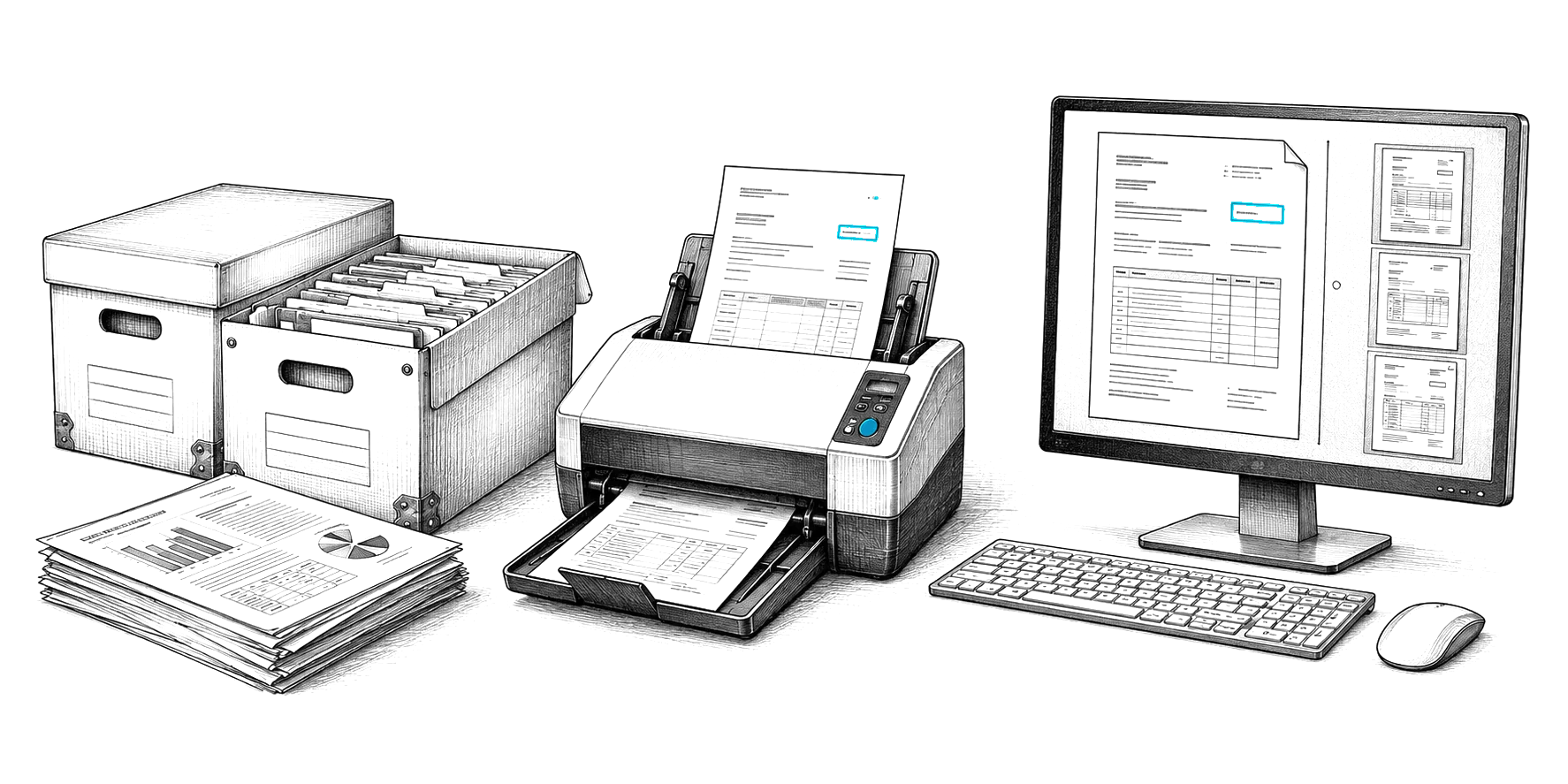
Put a mixed box through the scanner. CapturePoint 6 finds where each record starts, tells permits from minutes from deeds, reads the permit, parcel or case number and names every file. The reading happens on the PC next to your scanner, so the records never leave your building.

Finished records go straight into Content Central, or to folders as searchable PDF or PDF/A.
Content Central · the records program

One library for every department, in the cloud or on your servers.

  • Retention by record typeA period and a destruction schedule on each document type, from days to years or permanent.
  • Holds that stop the clockRetain Indefinitely on any record or set of records, with who placed it on file.
  • Search across officesEvery word on every page, plus fields such as parcel, permit or case number.
  • Review and releaseApproval routes with deadlines, escalation and notes, for requests, permits and contracts.
  • A full audit logSign-ins, searches, views, downloads and emails with their recipients.

Scanning the backlog

Clear the records room in the order people ask for things.

Scanning is the quick part. Splitting, naming and filing every page is what stalls a backlog project, and that is the part CapturePoint 6 does on the PC next to your scanner.

  1. 01

    Start with what gets requested

    Permits, plats and minutes before the boxes nobody has opened in years. The first months of scanning should answer next month’s requests.

  2. 02

    Index by what people ask for

    Parcel number, permit number, meeting date, case number. Those become the values CapturePoint 6 reads and the fields Content Central searches.

  3. 03

    Scan the box as it is

    It finds where each record starts and tells permits from minutes from deeds. Use separator sheets where folder boundaries matter more than the pages show.

  4. 04

    Check your state before you shred

    Many state archives set rules for imaging records and destroying the paper originals. Permanent records can be exported as PDF/A.

Download free trial

Records are read on your own PC, never sent to an outside service. Earlier scans in PDF or TIFF can be split and named too.

A request, start to finish

The Elm Street request, handled in Content Central.

The rezoning request from above, step by step. The words in blue are what each step is called in Content Central, so your IT team can find it in the help library.

  1. 1

    The request lands in the records mailbox.

    Content Central watches the mailbox (Microsoft 365, Gmail or any IMAP account) and files each message as a records request. Requester, subject and date received fill in from the email itself.

    Email capture

  2. 2

    The clock is set and watched.

    The coordinator enters the due date your state law sets. A scheduled rule emails a reminder a few days before it is due, and again if the request is still open.

    Content Query trigger with a date offset

  3. 3

    Every office searched at once.

    One search reads every word on every scanned page you are allowed to see, across the clerk, planning, building and finance libraries. Narrow it by date or parcel number, save it, and export the result list as your index of what was found.

    Full-text search, Power Search, export to Excel

  4. 4

    Reviewed before anything goes out.

    The responsive records go to the city attorney as one approval, with a deadline and an automatic escalation if it sits. Notes carry forward to the next reviewer.

    Approval process with deadline messaging

  5. 5

    Released, and on the record.

    Email the release as a password-protected ZIP. The audit log records the email and its recipients, and the response is filed with the request, so the next person who asks what was released has the answer.

    Event Viewer and document history

Retention schedules

Destroyed on schedule. Kept when it has to be.

Enter each series from your state's schedule once, as a retention policy on that document type. The Retention Policies page lists every record with the time it has left, and anything due for removal shows in red, so the records manager sees the month's destruction list before it runs.

When the attorney calls, place a hold: set the records to Retain Indefinitely and the schedule skips them until the hold is lifted. Only people you give the override permission can do it, and every override records who made it.

Two records on two retention schedulesA building permit file is filed, used while the permit is open, counts down its retention period and is destroyed on schedule, unless a hold keeps it. Council minutes are approved, signed and kept permanently.Building permit fileScanned and filedOpen permit, in useRetention period counts downHold placed: Retain IndefinitelyKept until the hold is liftedDestroyed on scheduleCouncil minutesApproved and signedKept permanentlyAs your schedule says
Two records, two schedules. The periods come from your state schedule; Content Central keeps the count.

Two desks, two routines

The permit counter and council night.

At the permit counter

  • Turn your building permit application into a fillable PDF. Email the applicant a link and they submit it without an account; the form files itself with its fields filled and starts plan review.
  • Every revision the applicant submits is kept as a new version, logged with where it came from.
  • Each permit number gathers its own file: application, plan set, inspection reports, certificate of occupancy. A report lists every permit still missing a document.
How capture forms work

On council night

  • Staff reports, resolutions and exhibits for a meeting gather under its meeting date, and the packet shows what has not come in yet.
  • When it is complete, merge it into one agenda packet file in the order you set.
  • Draft minutes go to the clerk for approval. On approval the clerk's saved signature is stamped in place and the signed PDF is kept as a new version, on permanent retention.
How packets work

In the cloud or in your building. Your choice.

Use Content Central in the cloud, or run it on your own Windows servers and SQL Server so public records stay in your building. Staff sign in with Active Directory or SAML single sign-on, and you can require an authenticator code for everyone. Permissions go down to the document type and even a field value, so the court clerk's sealed files and HR's personnel files stay with the people allowed to see them. Turn on Require Reason for Access and every view of a sensitive record carries a stated reason.

Government agencies and Fortune 500 companies review Ademero's security every year. Ademero has served 1,000+ organizations since 2002.

Free live demo

Bring a box of permits and last month's records request. We will run both, live.

Book a free demo and we will show you around, answer your questions and run your real paperwork through it. No cost, no pressure.

  • A live tour of the products that fit your work
  • Your own documents, set up and shown working
  • Your workflow and process, mapped with you
  • Straight answers from people who build it
Engraved illustration: file boxes, a document scanner and a PC at a desk