CapturePoint 6
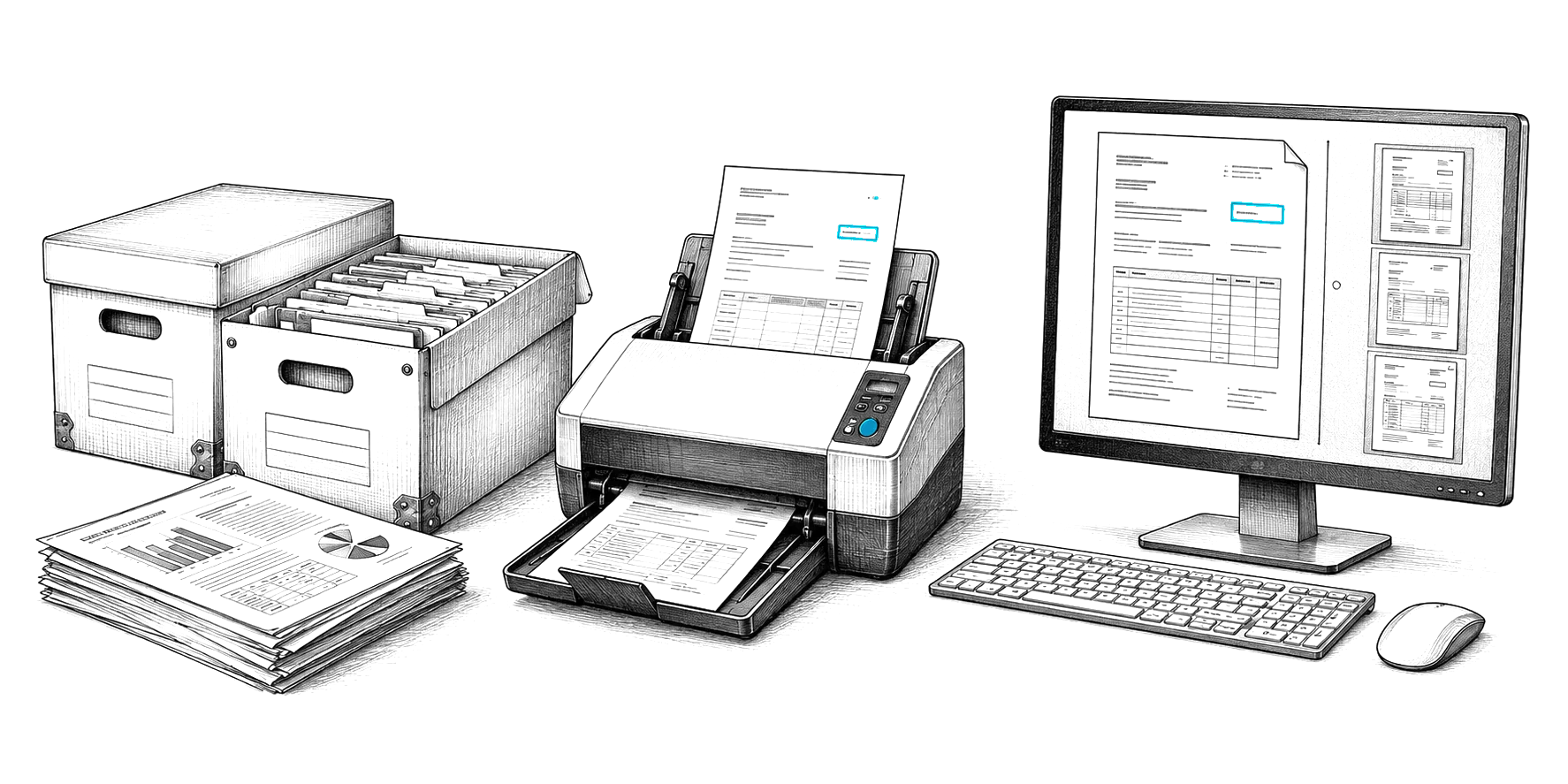
Cutting-edge local AI on your own Windows PC. Scan a stack and it splits, sorts, reads and names every document, then files it to SharePoint, OneDrive, Google Drive, Dropbox, folders, Content Central or Nucleus One.
AI invoice analysis
General AI preview. This demo sends your file to a general-purpose cloud AI model (Google Gemini) and shows what it returns. It is not CapturePoint 6, Paige or Cortexa, and it does not learn from your corrections the way they do. Use sample or public documents.
Live demo
Add one or many. Each is read on its own and added to the dashboard.
Drag and drop invoices here, or browse
PDF, PNG, JPG or Excel
Totals from the invoices you added.
Add an invoice above. This view fills in as soon as the first one is read.
How it works
PDFs, scans, phone photos or spreadsheets, from any vendor, with no template to set up.
Vendor, invoice number, dates, line items, tax, totals and terms, pulled out and checked for duplicates.
Spend by vendor, category and month, then a clean CSV, Excel, JSON or XML file for your accounting system.
Invoices on paper? CapturePoint 6 reads vendor, dates, totals and line items on your own PC as you scan, checks the line-item math and exports the values in a data file. The spend dashboard here is part of this preview only. The free trial starts the first time you open it.
Questions
PDFs, images (PNG, JPG) and Excel files. The AI reads digital PDFs, scans and phone photos, and handles the many layouts vendors use with no template to set up.
No. Each invoice is sent over an encrypted connection to a general cloud AI model (Google Gemini), read and returned to your browser. The demo does not save your invoices, and the dashboard clears when you close the tab. If invoices must not leave your building, CapturePoint 6 reads them on your own Windows PC instead.
This demo page looks for invoices from the same vendor, for the same amount, dated within a week of each other, and flags each match with the amount at risk. It is a check built into this preview. In daily use, Content Central flags duplicate values as documents are indexed and when invoices are exported to accounting.
Yes. Open any invoice and edit the invoice number, vendor, invoice date or due date. Your changes carry through to the dashboard and every export.
The demo exports CSV, Excel, JSON and XML, which most accounting systems import. For a direct connection, Content Central integrates with QuickBooks, Sage 50 and Sage X3, Workday and Epicor, and Paige delivers data by SFTP or webhook.
Keep exploring
From demo to daily work
Cutting-edge local AI on your own Windows PC. Scan a stack and it splits, sorts, reads and names every document, then files it to SharePoint, OneDrive, Google Drive, Dropbox, folders, Content Central or Nucleus One.
Send in documents and get clean data back. Paige learns your documents from a few samples and pulls out fields and line items, ready for the system that needs them.
Private AI on servers you own, behind an OpenAI-compatible API, for documents that must never leave your walls.
Free live demo
Book a free demo and we will show you around, answer your questions and run your real paperwork through it. No cost, no pressure.