Manufacturing document control: one revision, done right
The wrong revision at a workstation turns straight into scrap. Follow one work instruction from change request to the floor, see what ISO 9001 actually asks, and trace a lot from a single number.
Ademero Team5 min read

Document control in a plant has one job: the person at the machine uses the current, approved version, and nobody else can quietly change it. This guide is for quality managers and document control coordinators. It follows one revision through the system, translates ISO 9001’s requirements into plain checks, and then covers the other half of the job: records that prove what happened.
What ISO 9001 clause 7.5 asks, in plain terms
| The standard asks that documented information is... | The check an auditor makes |
|---|---|
| Identified and described | Number, title, revision and owner on every controlled document |
| Reviewed and approved before use | Who approved revision D, and when |
| Available where and when it is needed | The operator can open it at the line, without asking |
| Protected from loss and improper change | Only document control can change a released document |
| Changes controlled and identified | What changed between C and D, and why |
| Obsolete versions kept from unintended use | Revision C is not what anyone opens at the line |
| External documents identified and controlled | Customer drawings and standards have a revision too |
| Records retained and protected | Inspection and test results kept for the set period |
Worked example: work instruction WI-0412, revision C to D
An operator on the press line reports that step 6 of WI-0412 (torque sequence for a bracket assembly) does not match the new fixture. Here is the change, start to finish.
- Request. The operator’s supervisor files a change request referencing WI-0412 rev C, with a photo of the new fixture. It is tied to the document by its number.
- Check out. The process engineer checks out WI-0412. While it is checked out, nobody else can change it, and the line keeps using rev C.
- Edit. She edits the Word file in place, updates step 6, adds a revision-history line (“D: step 6 torque sequence changed for fixture F-118”) and checks it back in. The system stores it as a new major version.
- Review and approve. A workflow routes rev D to the quality engineer and the production supervisor, with a deadline. Each approval is recorded, and each approver’s signature can be stamped on the document as they approve.
- Release. On final approval, rev D becomes what everyone opens. Rev C stays in the version history for reference, so it can be read but is not the document anyone pulls up at the line.
- Train. The supervisor walks the operators on that line through step 6 and records the training in your training system.
- Remove paper copies. Any printed rev C at the station is collected and destroyed, the step most often skipped.
Tip: put a QR code on the printed or posted copy at each station that opens the current revision. A printout then becomes a pointer to the controlled document, not a second copy of it.
Revision conventions that work
| Document | Revision style | Approved by |
|---|---|---|
| Engineering drawings | Letters (A, B, C), matching the title block | Engineering lead |
| Work instructions | Letters or numbers, with a revision-history table | Process owner and quality |
| Quality procedures | Number and effective date | Quality manager |
| Forms | Revision in the footer, so filled-in records show which form was used | Quality |
The other half: records
Controlled documents say how to do the work. Records prove it was done: inspection reports, nonconformance reports, certificates of conformance, material test reports, calibration certificates, CAPAs. Records are not revised; they are kept, protected and findable for the retention period your customers and standards set.
Tracing a lot
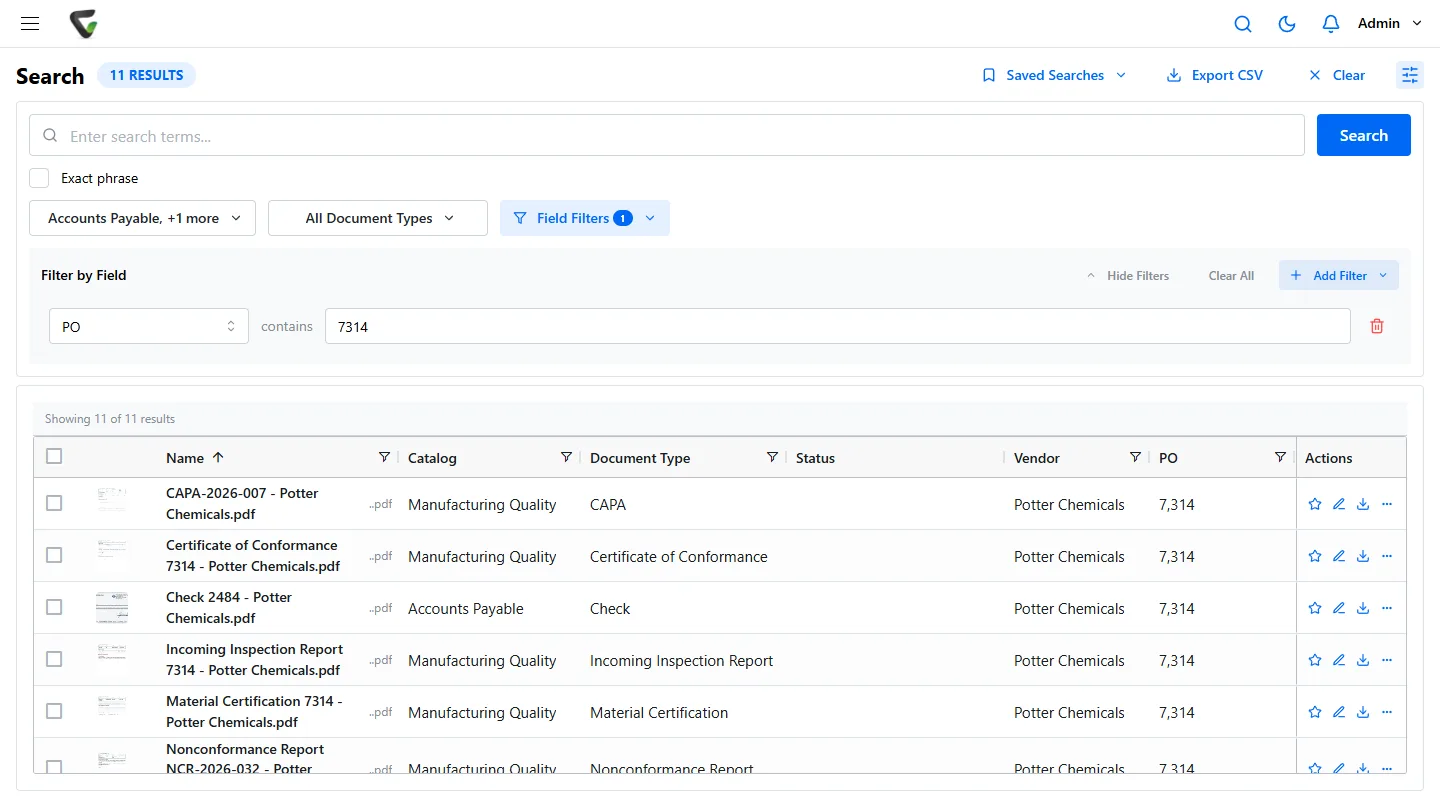
A customer reports a cracked bracket from lot 24-1187. The quality manager needs, within the hour: the material certificate for the steel, the incoming inspection, the in-process checks, the final inspection and the shipping record. If every one of those records carries the lot and PO numbers as index values, that is one search.
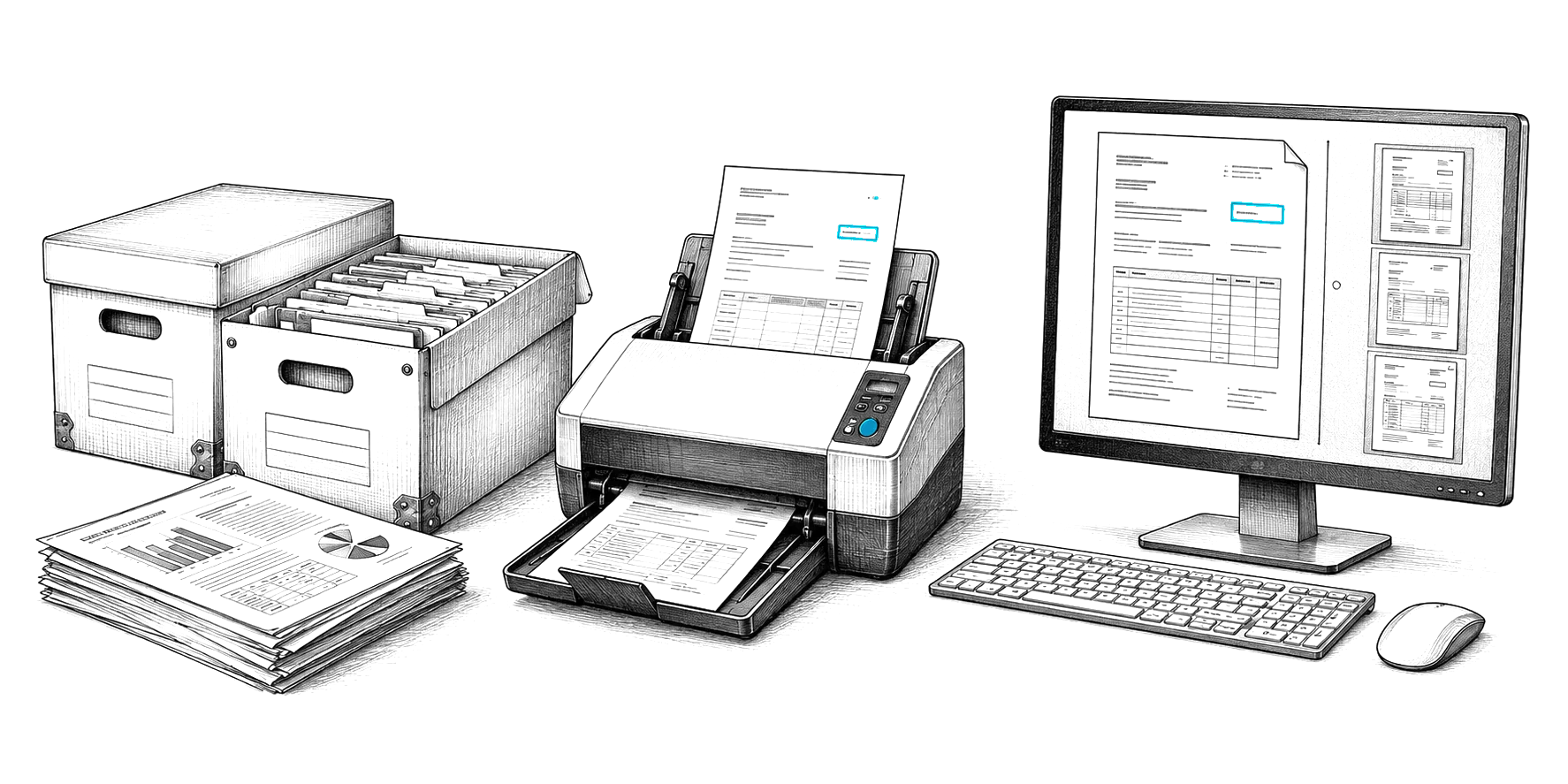
Most of those records still arrive on paper or as supplier PDFs. CapturePoint 6 splits a scanned stack of certificates, packing slips and inspection sheets into documents, recognizes each type, reads part, lot and PO numbers and names each file, on the PC at the receiving dock or quality lab.
Sector standards add their own controls
| Sector | Standard | Document control emphasis |
|---|---|---|
| Aerospace | AS9100 | Configuration management, traceability, retention set by contract |
| Automotive | IATF 16949 | PPAP files, customer-specific requirements, engineering change timing |
| Medical devices | ISO 13485, FDA 21 CFR 820 | Design history, device history records, retention for the life of the device |
| Food | ISO 22000, FSMA | Food safety plans, lot traceability, supplier verification |
Readiness checklist
- Every controlled document has a number, revision, owner and approver.
- Only document control can change a released document; everyone else can view.
- Changes go through a recorded approval, with a reason.
- The current revision opens from the line in seconds, and nobody prints their own copy.
- Records carry the part, lot and PO numbers needed to trace them.
- Retention is set per record type from customer and standard requirements.
Where Ademero fits
Content Central runs in the cloud or on your own servers, your choice. Check-out locks a document while it is being changed, check-in saves a new major version, and earlier major versions stay available in the version history. Content Director opens Word and Excel files in place and checks them back in on save. Approval workflows route revisions with deadlines and escalation, and signatures can be applied as people approve. Permissions are set per document type, global fields such as PO or lot number tie records together across types, and retention runs per document type with an audit trail throughout. See our manufacturing page.