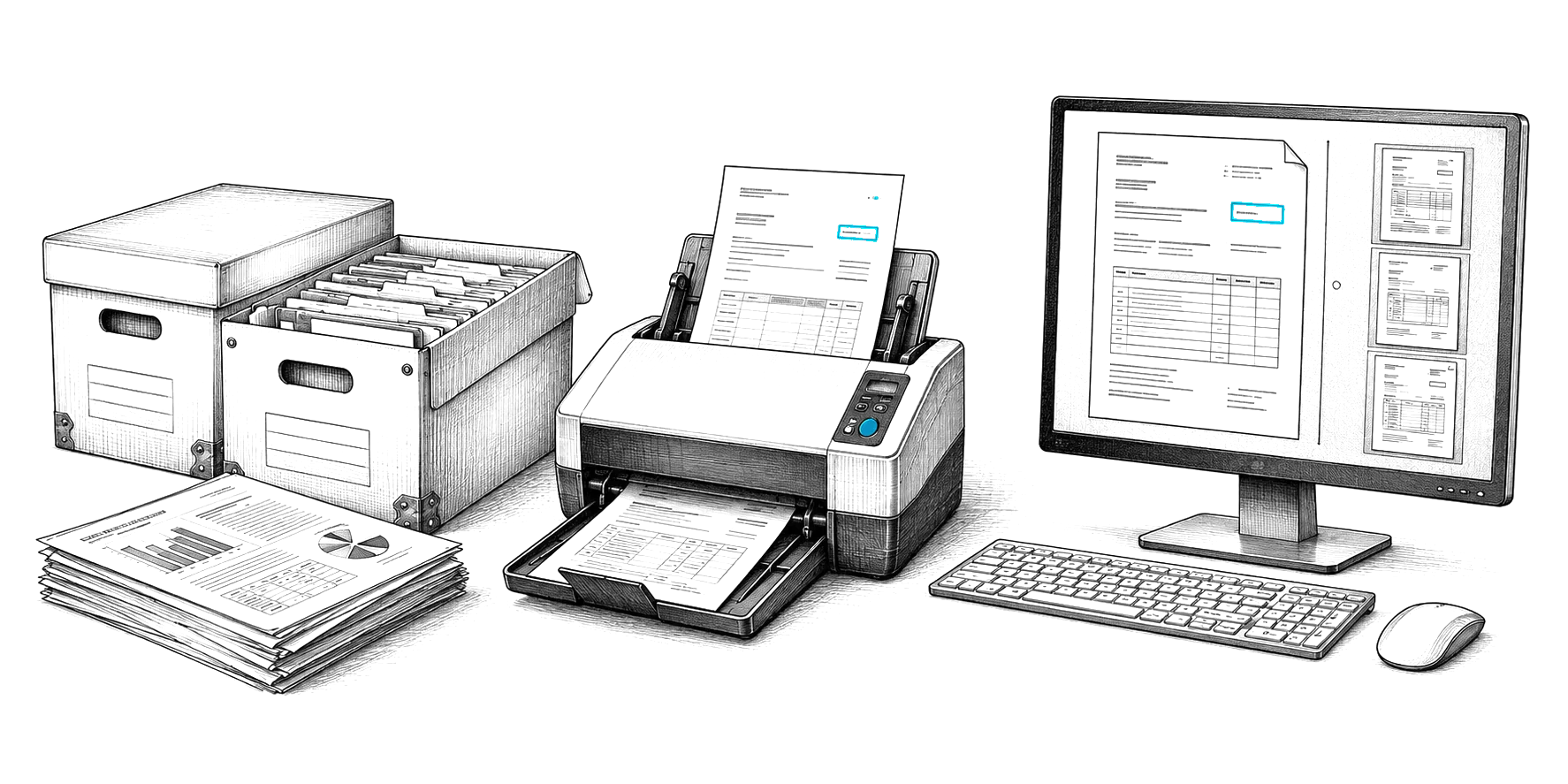
Free implementation planner
Know exactly how your go-live will run.
What your plan covers
- A week-by-week timeline for the product you pick
- What we do in each phase, and what your team does
- Connections to the systems you already use
- Permissions, retention and audit trail steps for the rules you work under
- A plan you can print and share with your team
Content Central go-live in 30 days is our commitment. CapturePoint 6 and Nucleus One start the same day.
How we roll out
Four habits behind every smooth go-live.
- 01
One department first
Start with the team that feels the paper pain most. A win there sets the pattern for everyone else.
- 02
Everyday documents before the archive
Capture what people touch this week, then scan the backlog in the background.
- 03
Keep the folders people know
Moving in from shared drives keeps the structure your team already uses, so nobody hunts for files.
- 04
Train on real work
Each team learns on its own documents and its own approvals, not on a generic demo.
Questions about rolling out
How long does a Content Central rollout take?
Content Central go-live in 30 days is our commitment. Larger organizations usually take the first department live in that month, then repeat the same playbook department by department.
How fast can we start with CapturePoint 6?
The same day. Install it on a Windows 10 or 11 PC and the free trial starts the first time you open it, with no form. Show it a few of each document type and it splits, sorts, reads and names them.
Do we need our own IT team?
For Content Central you need someone who can give us a server and sign-in access; we do the install, setup, migration and training with you. Nucleus One runs in the cloud, so there is nothing to install.
Can you move our existing files?
Yes. Moving your shared drive folders in is part of the rollout plan, and CapturePoint 6 scans the paper backlog while you work.
We have HIPAA requirements. Does that change the plan?
We set up permissions, retention and the audit trail to help you meet HIPAA during the workflow phase, and we sign a HIPAA BAA with you.
Free live demo
Bring your plan. We will walk through it with you.
Book a free demo and we will show you around, answer your questions and run your real paperwork through it. No cost, no pressure.
- A live tour of the products that fit your work
- Your own documents, set up and shown working
- Your workflow and process, mapped with you
- Straight answers from people who build it