Financial services document management: complete files, ready for the examiner
In a bank or credit union, the document problem is rarely storage. It is knowing a loan file is complete before closing, keeping SAR material away from the wrong eyes, and producing a file in minutes when an examiner asks.
Ademero Team5 min read

This guide is for operations managers, loan operations leads and BSA officers at community banks, credit unions and independent lenders. It skips the general case for going digital and works on three jobs that decide how an exam goes: complete loan files, correctly restricted BSA records, and fast retrieval.
Job 1: a loan file that knows what is missing
A residential mortgage file at a community lender might hold 20 to 30 documents arriving over weeks from the borrower, the title company, the appraiser and the credit bureau. The classic failure is a file that goes to closing, or to an investor, without the flood certificate or a signed disclosure.
Worked example
Define the loan file once as a checklist keyed on the loan number:
| Document type | Required? | Usually arrives from |
|---|---|---|
| Application (1003) | Required | Borrower, loan officer |
| Photo ID and CIP verification | Required | Branch |
| Pay stubs, W-2s or tax returns | Required | Borrower |
| Bank statements | Required | Borrower |
| Credit report | Required | Credit bureau |
| Appraisal | Required | Appraiser |
| Flood determination | Required | Vendor |
| Title commitment | Required | Title company |
| Loan Estimate and Closing Disclosure, with delivery records | Required | Loan officer, closing |
| Gift letter | Optional | Borrower |
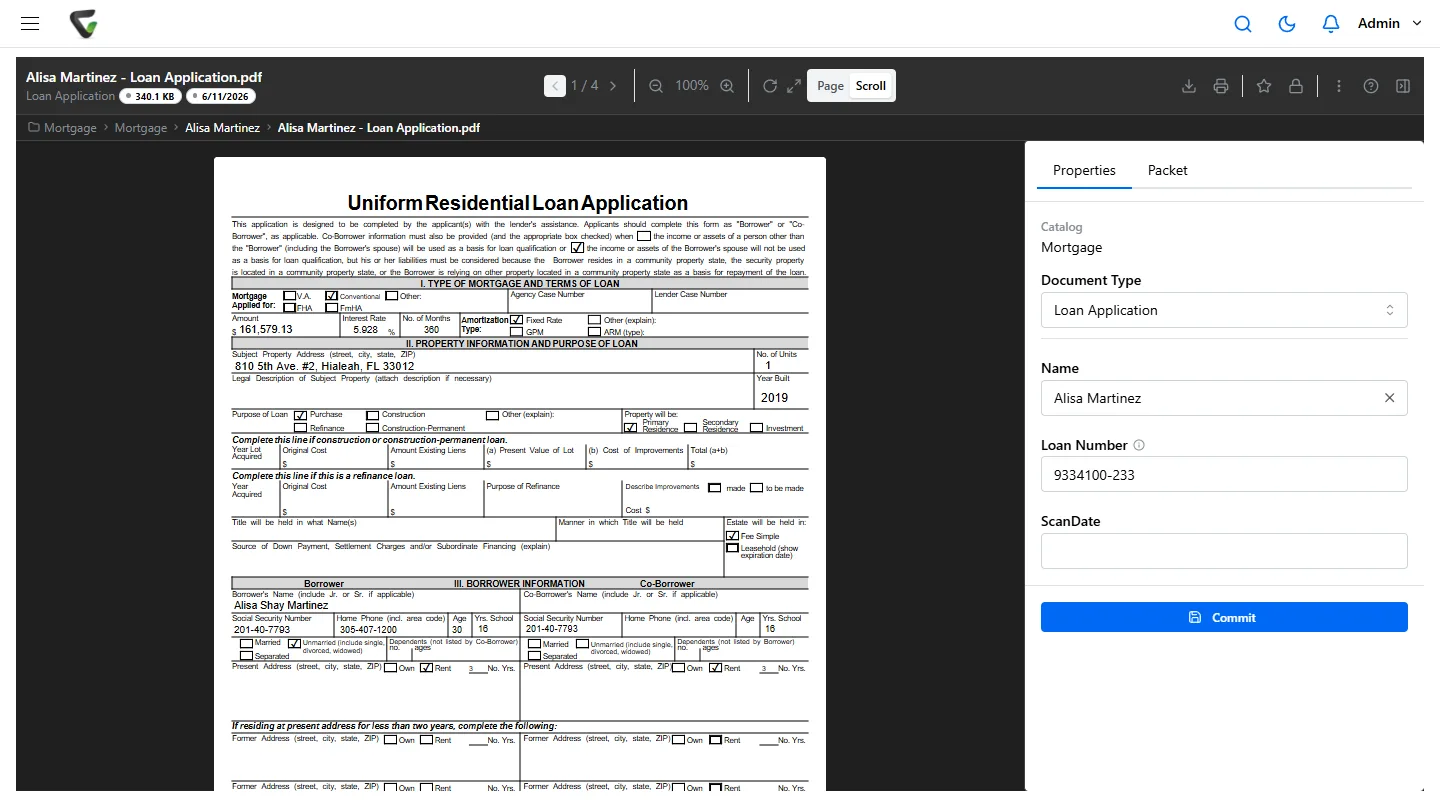
Every document is filed with the loan number, whether it was scanned at a branch, emailed by the title company or uploaded by a processor. The file then shows complete or incomplete, with the missing types listed, and a scheduled report lists every incomplete file. A rule can remind the processor when the appraisal is still missing ten days after application, and send the file to underwriting the moment the last required document arrives. When the investor or auditor wants the file, merge it into one PDF in the right order.
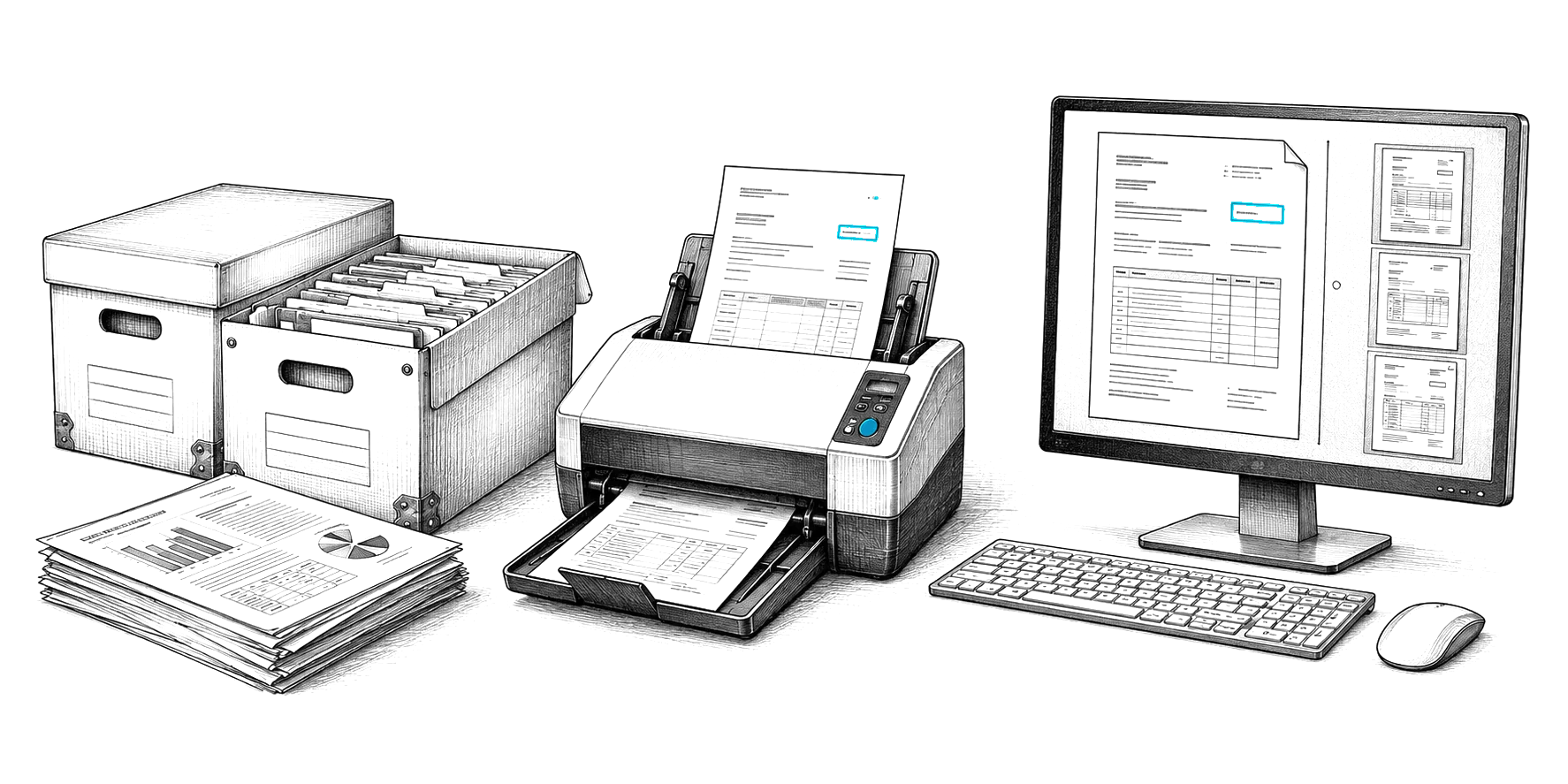
At the front end, CapturePoint 6 takes a scanned stack from a closing or a branch, splits it into documents, recognizes each type and reads the borrower name and loan number, on the PC next to the scanner. It comes with a 2-minute tour on sample documents to try first.
Job 2: BSA and SAR records, kept and restricted
Keep BSA records five years, keep SAR material confidential, and be able to show both to an examiner.
- Five years is the BSA baseline. Most Bank Secrecy Act records, including CTRs and the records behind them, are kept for five years. CIP identity verification records are kept five years after the account is closed.
- SARs and their supporting documentation are kept five years from filing, and the existence of a SAR must not be disclosed to the subject. In practice that means a SAR document type only the BSA team can see or search, so it never appears in a teller’s search results.
- Due diligence files for higher-risk customers, including beneficial ownership certifications, stay with the customer record and are refreshed on your review cycle.
Set these as document types with their own permissions and retention, rather than relying on folder names. For the most sensitive types, ask staff to give a reason before a document opens, and keep that reason in its history.
Job 3: exam-day retrieval
Examiners ask for samples: twenty loans originated last quarter, every SAR filed in a period, the training records for the BSA program. The work is not finding one document; it is producing a complete, consistent set quickly.
- Index for the questions examiners ask: loan number, borrower, product type, origination date, branch, officer.
- Produce a population list: search by type and date range and export the results to a spreadsheet for sampling.
- Pull each sample as one file: the merged loan file, in a standard order.
- Show the history: version history and the event log for any document an examiner questions.
Validate the fields that drive decisions. Let software read the page, and have a person confirm the values that matter, such as loan amount and borrower name, before they feed another system.
Other records to plan for
| Area | Documents | Note |
|---|---|---|
| Deposit accounts | Signature cards, account agreements, beneficiary and POD forms | Kept for the life of the account and after closure per your schedule |
| Investment and trust | Account applications, trade confirmations, suitability records | Broker-dealer rules apply where relevant |
| Consumer protection | Disclosures, complaint logs, corrective actions | Show consistent handling |
| Governance | Board minutes, policies, vendor contracts | Minutes are commonly kept permanently |
Confirm every period with your compliance team; your regulator and state can add to the federal rules.
Where Ademero fits
Content Central runs in the cloud or on your own servers next to your core and loan systems, your choice. Packets keyed on a loan or member number show complete or incomplete, report what is missing on a schedule, trigger rules when a file completes or stalls, and merge into one PDF. Permissions are set per document type and field, with Require Reason for Access for sensitive types, Active Directory and SAML sign-on and MFA. Version history, the event log, retention schedules and legal holds cover the record-keeping, and search results export to CSV or Excel for exam samples. Fortune 500 companies and government agencies run on Ademero, and their security teams review us every year. More on our financial services page.