Document Management
Digital transformation, one process at a time
Skip the maturity models. Pick the process with the most paper and the clearest owner, change it with the people who run it, measure it, then do the next one. Here is what that looks like across one manufacturer's first year.
Ademero Team5 min read
Digital transformation programs often begin with a vision statement and a consultant's maturity score, and end a year later with a new intranet and the same paper on every desk. This guide takes the opposite route. It is for the operations manager, controller or IT lead who has been asked to “modernize” and wants something that will still be working in twelve months.
Start with paper, not a vision
The most reliable place to start is the work that is typed in by hand, walked from desk to desk, or kept in a cabinet. It is easy to see, easy to measure and the people doing it usually want it gone. Fix that and you have a foundation, and evidence, for everything that follows.
Choosing the first process
Score each candidate from 1 to 5 on four things, and start with the highest total:
| Question | Why it matters |
|---|---|
| How much paper or retyping is in it? | That is where the time goes and where software helps most |
| Is there one clear owner? | Processes owned by everyone change for no one |
| Can we measure it today? | Without a baseline you cannot show it worked |
| How contained is it? | One department first; cross-company processes second |
One year, three processes: a worked example
A 200-person manufacturer with an ERP system, a file server and a lot of paper. The plan below is illustrative, but every step uses a capability that exists today.
Months 1 to 3: supplier invoices
- Before: invoices arrive by mail and email, a clerk keys them into the ERP, prints them and walks them to approvers. Baseline: invoices per month, minutes per invoice, days to approval, late-payment fees.
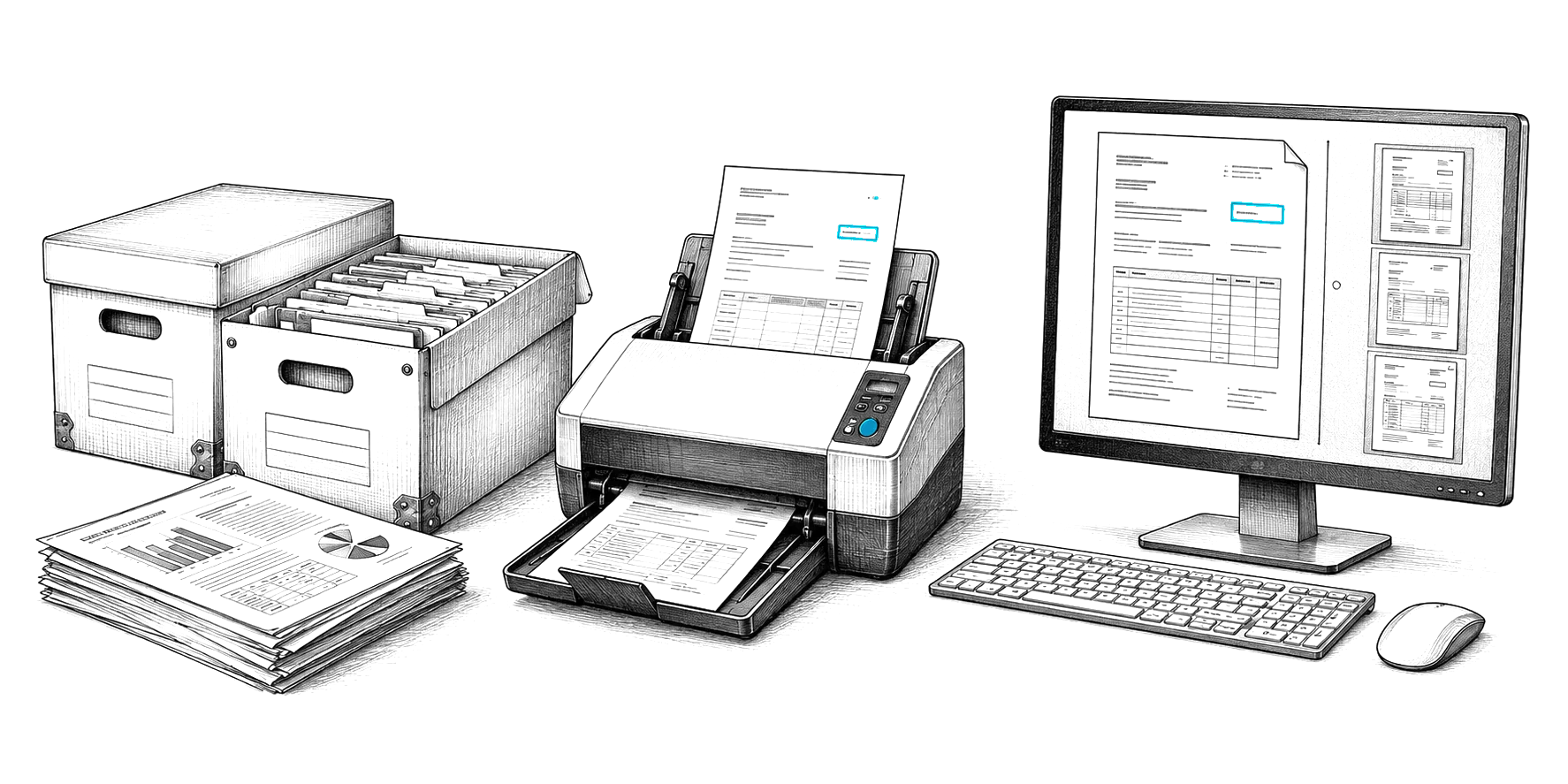
- Change: invoices are scanned or dropped in as PDFs. CapturePoint 6 reads vendor, number, dates, totals and line items on the AP clerk's PC and sends each one to Content Central, where an approval workflow routes by amount, escalates after a set number of days, and exports approved invoices to the ERP (Content Central connects to Epicor, Sage, Workday and QuickBooks).
- Measure: the same four numbers after 60 days. The figure that matters most is the share of invoices a person still has to review, which falls as the software learns from corrections.
Months 4 to 6: new-hire paperwork
- Before: HR emails PDFs to new hires, chases them for signatures, and finds a missing I-9 at audit time.
- Change: new hires fill in capture forms sent by email link, with no account needed. Every document carries the Employee ID, so each employee's file shows complete or incomplete, and a rule reminds HR when a required document is still missing on day three.
- Measure: days from offer accepted to complete file, and files incomplete at 30 days.
Months 7 to 12: quality records
- Before: nonconformance reports and inspection sheets live in binders on the shop floor and in a shared folder nobody trusts.
- Change: reports are scanned at the end of each shift, filed by part number and lot, and routed to the quality manager for disposition. See manufacturing document control for the details.
- Measure: time to find every record for a lot, and open reports older than 30 days.
The pattern each time
- 01
Measure today
Count and time the process for two weeks with the people who do it. - 02
Write down the rules
Who approves what, at which amount, by when. Start from the invoice approval matrix template if it is invoices. - 03
Change the process, not just the medium
Remove steps. A printed invoice routed digitally is still a printed invoice. - 04
Run it alongside for two weeks
Then set a date after which the old way stops. - 05
Measure again and publish it
The result is the case for the next process.
Useful references: the invoice approval matrix template, the accounts payable automation guide, HR onboarding document capture and the document workflow automation guide.
Where it stalls
- Copying the paper process onto a screen. Four approvers on paper should not become four approvers in a workflow without asking why.
- No end date for the old way. Running both forever doubles the work and kills the project.
- Starting with the hardest process. Win twice on contained processes before taking on one that crosses departments.
- Measuring adoption instead of outcomes. “Everyone logged in” is not the goal; fewer days to approval is.
Questions
Do we need a transformation strategy before we start?
You need a short list of processes ranked by pain and volume, an owner for each, and a way to measure them. A long strategy document written before anything changes tends to go stale. Run one process, measure it, and let the result shape the next step.
What is the most important part of change management?
The person who runs the process every day has to help design the new one and has to be better off afterward. Then a sponsor who removes obstacles, short training on the new way of working, and a fixed date after which the old way stops.
How should we handle legacy systems?
Leave the system of record in place where it works and connect to it. Automate the paper and the hand-offs around it first. Replace an old system only when it blocks the process you are fixing, and then migrate in phases with a read-only period on the old one.
Ademero has helped organizations move off paper since 2002. CapturePoint 6 scans and reads documents with local AI on your own PC. Content Central manages them with workflows, permissions and audit trails, in the cloud or on your own servers. Nucleus One is our lighter cloud app for projects, tasks, forms and client portals.
Get the next guide by email
Practical notes on documents, capture and automation. No spam, unsubscribe any time.
Free live demo
Start with one process. We will show you what it looks like digital.
Book a free demo and we will show you around, answer your questions and run your real paperwork through it. No cost, no pressure.
- A live tour of the products that fit your work
- Your own documents, set up and shown working
- Your workflow and process, mapped with you
- Straight answers from people who build it